
To run the S2PX process you’ll need…
-
an ISX file for pre-conversion analysis, and
-
a DSX file for actual conversion
See this page to learn how to produce a single analysis output for multiple ISX files.
How to Generate a ISX Export Zip File for S2PX Analysis
This file should be a normal zip containing only .isx export files:
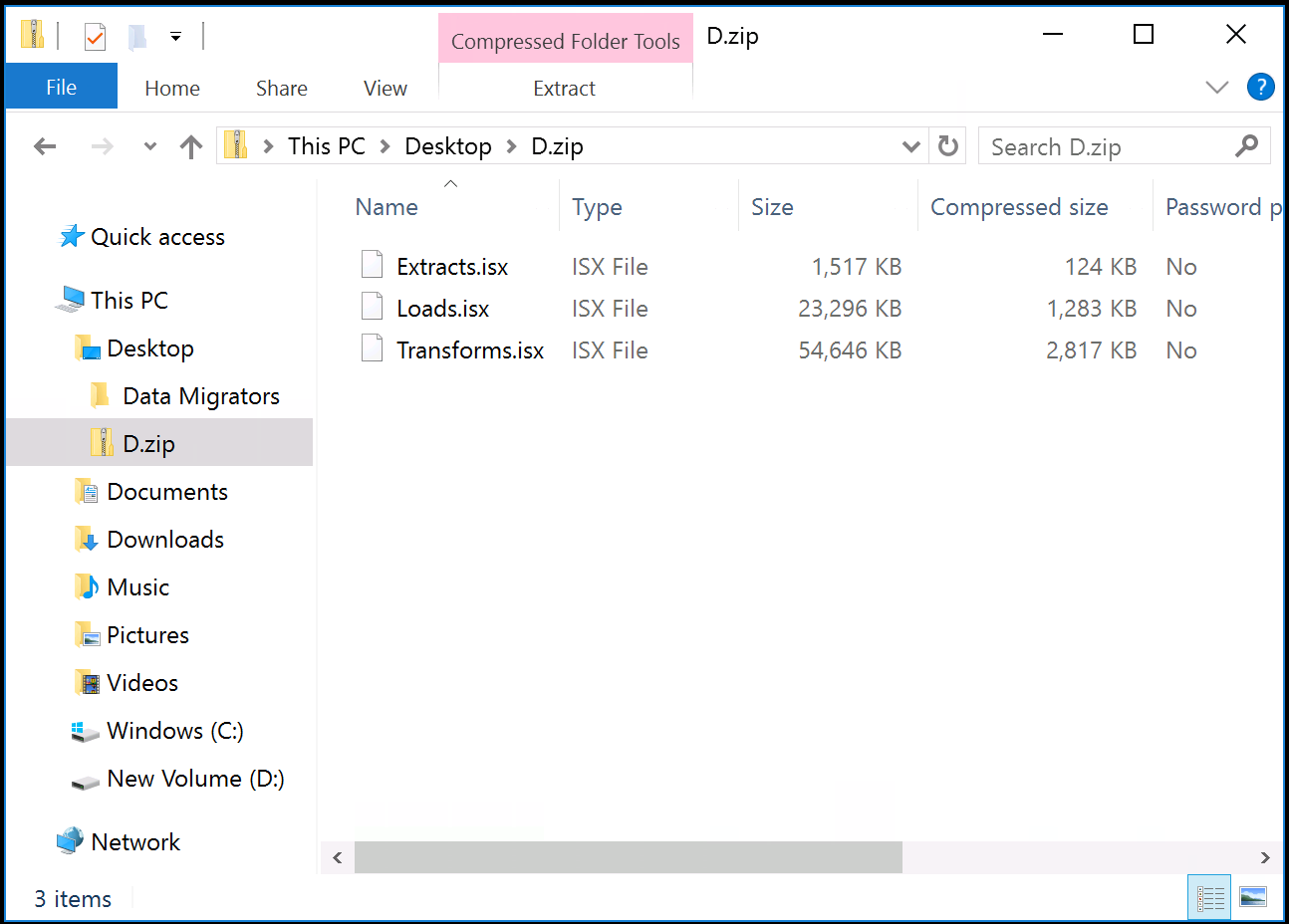
Generating a zipped ISX export file is a simple 4-step process:
-
Open the Windows command line (
cmd.exe) -
Identify the location of your
istoolcommand -
Create an export file using
istool
Open the Windows command line
There are many ways to start the Windows command line. One of the quickest is using the Windows + R keys on your keyboard. Then, type cmd and press Enter or click OK.
Identify the location of your istool command
We'll use the istool command to create an ISX export. The istool command is usually located in the director
{iis-install-dir}\IBM\InformationServer\Clients\istools\cli\istool
so if this is not in your system %PATH% you'll need to fully qualify your reference to it, or cd to the relevant directory to access it. Test your access by typing istool at the terminal:
C:\Users\Administrator>D:D:\>cd IBM\InformationServer\Clients\istools\cli
D:\IBM\InformationServer\Clients\istools\cli>istool
For help, enter: "help". To exit, enter: ".","exit", or "quit"
istool> exit
bye.
D:\IBM\InformationServer\Clients\istools\cli>
Create an ISX export file using istool
Enter the command shown below, substituting the following values:
-
-domain is the URL and port of your DataStage engine
-
-u is your DataStage username
-
-p is your DataStage password
-
-archive is the double-quoted name of your export file
-
-datastage is the single-quoted specification of the assets your want to export.
This should take the form:{engine} / {projectname} /*/*.*For example:
D:\IBM\InformationServer\Clients\istools\cli>istool export ^
   -domain services.datamigrators.io:59445 ^
   -u isadmin ^
   -p MyDataStagePassword ^
   -archive "C:\Users\Administrator\MyProject.isx" ^
   -datastage 'engine.datamigrators.io/wwi_test/*/*.*'